How to edit Mockups without Photoshop
How to edit a psd mockup file that you have downloaded for any of your project and you don’t have Photoshop? Well there is a free solution for it and you don’t need to download any software as well.
Edit psd without Photoshop
Step 1
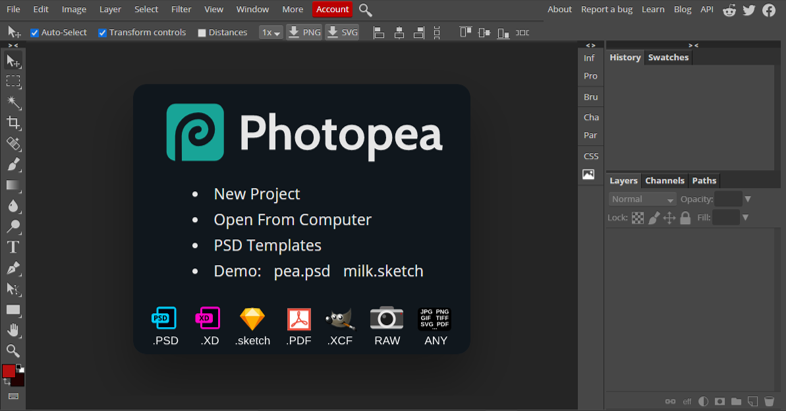
Select Open from Computer option and choose your psd file you want to edit.
Step 2
Now add your Logo or text to it in the layers panel at right-bottom side.
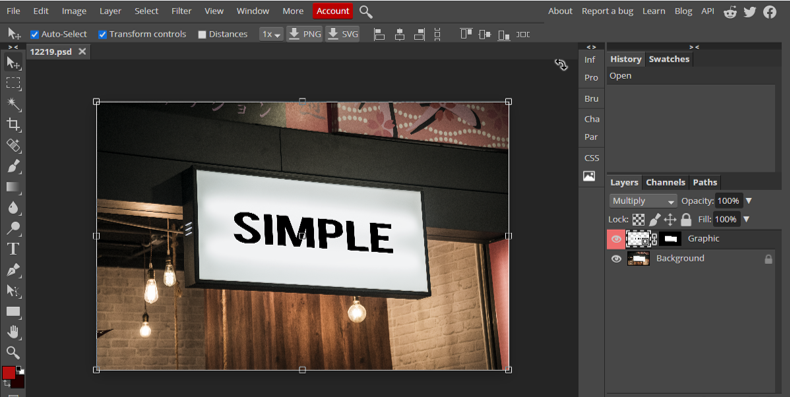
Step 3
After having finished your design
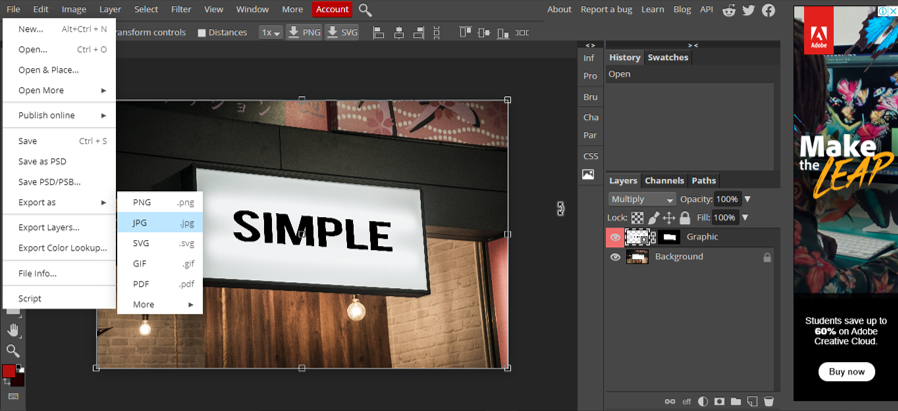
Go to File > Export as > select the format you like to export in.
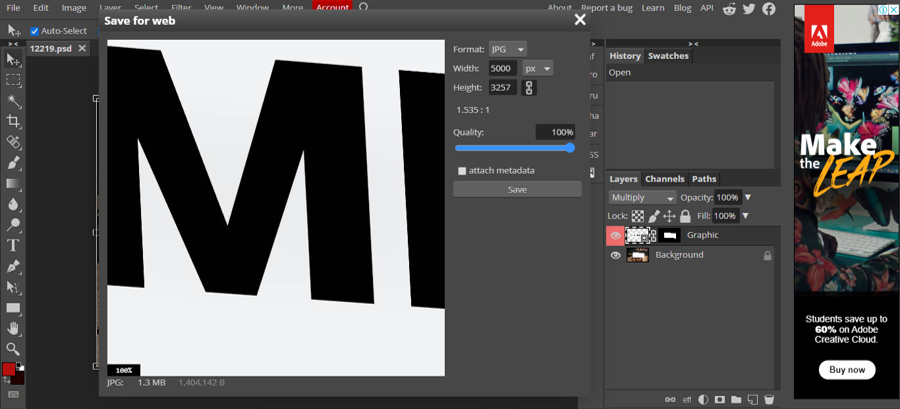
You will see this export window where you can select height and width of the image and quality.
Click save and it will download your file.