Best free screen recorders without water mark
There are many screen recorders out there, some of them are free but the problem is they give water mark on free version or don’t provide some important features.
Here is list of best free screen recorders.
1-Ice cream screen recorder
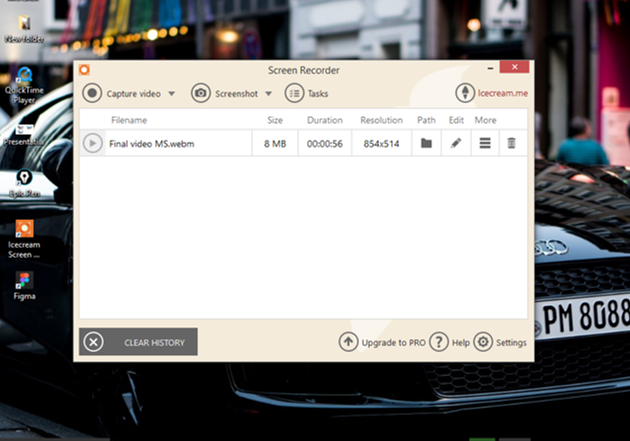
Ice-cream screen recorder is free tool to record your computer screen with audio recording option.
You can record specific area of the screen or take screen shot of it.
The recorded video is saved in the form of .webm format in free version which is not a big deal, you can easily covert it into .mp4 format by any online tool. For example: https://cloudconvert.com/webm-to-mp4
Free version is a very good option for small videos with the duration of less than 5 min
2-Zoom screen recorder

Popular video conference software zoom allows you to record your screen for free with some pro options that are only available in paid screen recorder softwares.
How to record screen with zoom:
Go to start meeting (not necessary to have actual meeting going on), select share screen option and you will find the screen recording option.
You also get the options of adding marks, highlighters on the screen. You can add your video along with as well.
Link : https://zoom.us/download
3-Record it
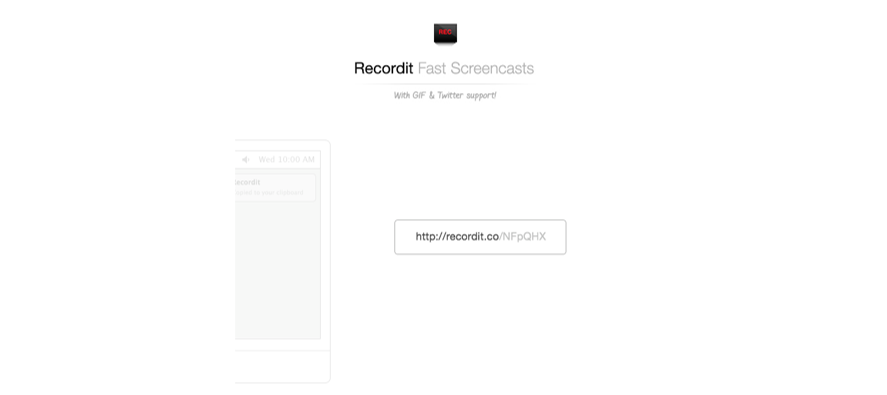
Record it is very useful tool which allows you to record your screen and share its link online. Which is very useful for showing some one what’s going on screen instantly without requiring to upload the recorded video to social media.
Link : https://recordit.co/
4- Chrome screen recorder
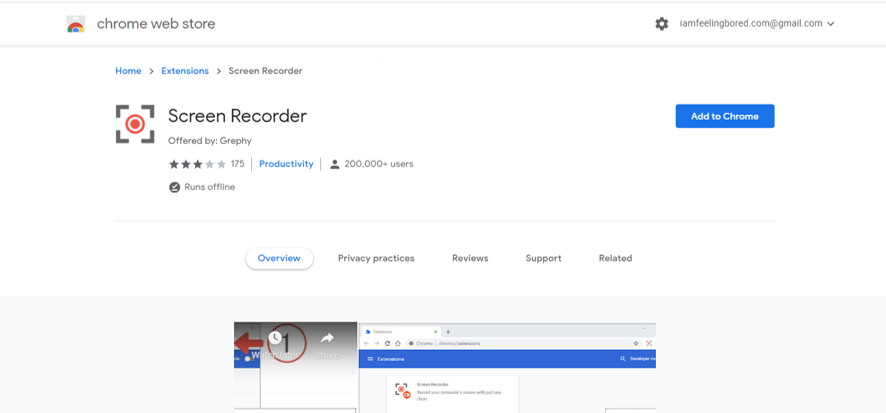
If you use chrome browser than you can use a very useful extension to record your screen without having to download any software.
It allows you to record specific tab in chrome or any other window of your computer. The output is in the form of .webm format which can easily be coveted to mp4 by any video editing software of any online converter.
Download it from chrome web store or go to this link:
Make sure you allow access to chrome for recording audio in order to record audio with it.