Ultimate free sources for icons
What are the sources for free icons. Here are the best sites to download and use free icons in your designing projects.
For UI or web designer it is time consuming process to design icons from scratch. You will need sources that provide you premade icons. So here are the best websites to download icons and edit them.
1 – Feathericons
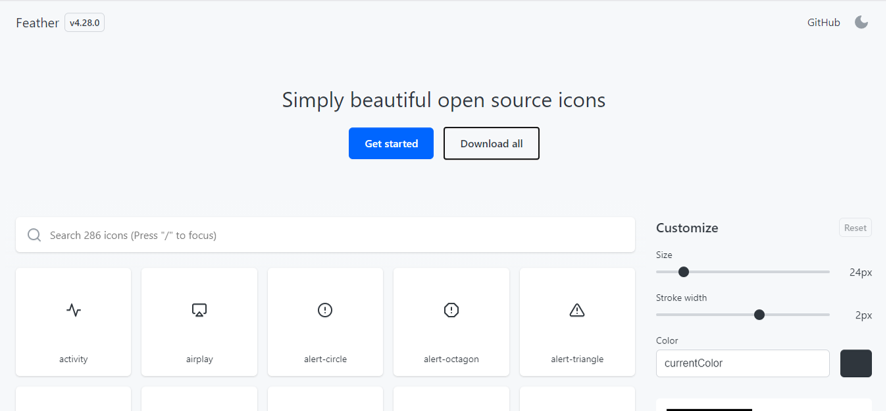
Feather icons has collection of beautifully designed 286 icons. You can search your required icons in search bar. You can customize size, stroke and color of the icons.
There is an option of downloading all icons at one click. Head over to website and know more about it.
2 – Flaticons
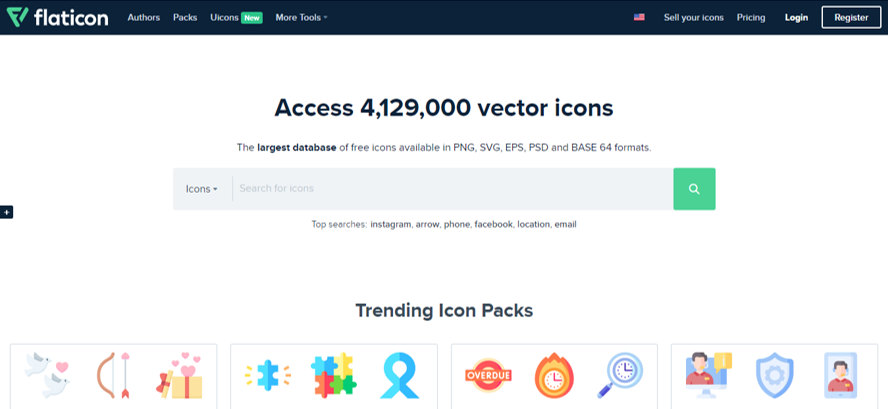
Flaticons is world’s best source for icons with over 4m icons. Flaticons provides free icons as well. You can customize the icon before downloading. In search you can filter out only free icons.
Flaticons has new feature of UI icons similar to font awesome where you get the link to copy the code of your icon in your website.
Link : https://www.flaticon.com/
3 –Remix icons
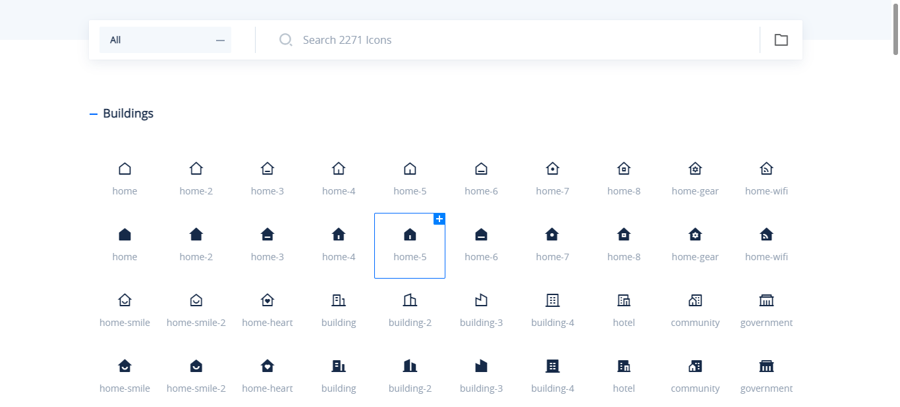
Remix icon is the library of more than 2000 stylish icons for designers and developers. It offers completely free icons for both personal and commercial use.
Remix is featured with search option where you can search for your required icons.
You can select your required icons and download them in bundle. Remix also gives you the option of customization of color and you have the option to download in png or svg format.
You can copy the icons as webfont or copy the XML code of svg for websites and apps.
Link: https://remixicon.com/
4 – Unicons
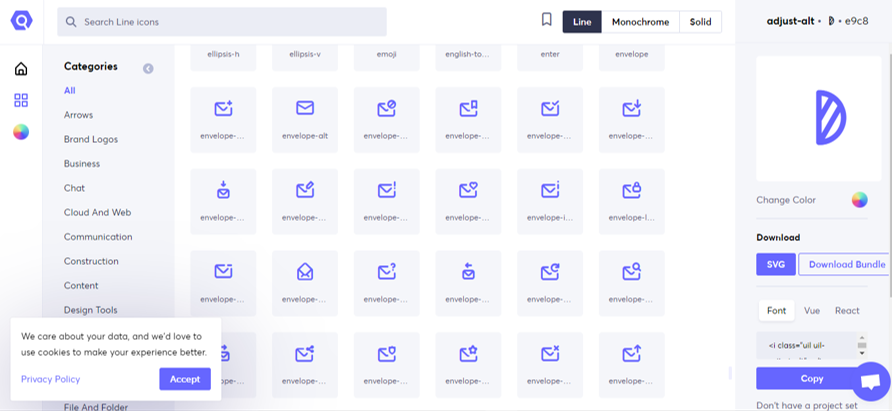
Unicons are set of free icons offered by icons out. Icons are available in three different styles (Line, monochrome, solid). Over 1000 icons are included in free pack.
You can download in bundle, change color of the icons and copy them as webfont in order to add them to your website or app.
5 –Icons 8
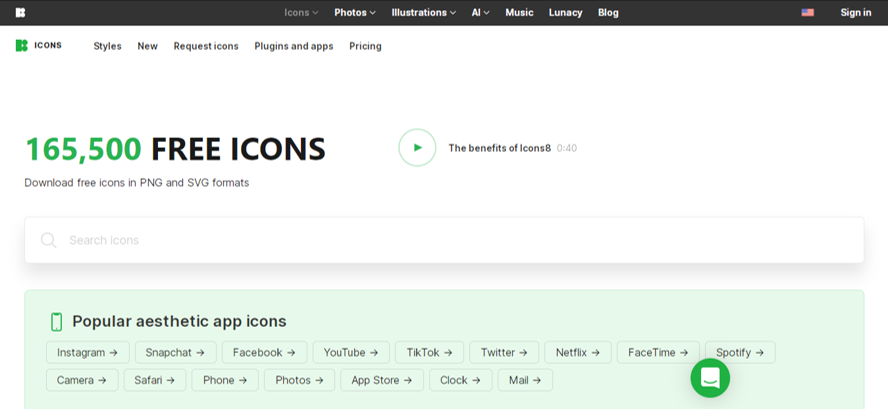
Icon 8 has over 150k icons collection which is completely free. Icons can be downloaded in png and svg format. Icons 8 has one of the best editing features when it comes to editing icons, it allows you to put overlay on icons, add text change color add background etc.
You can get html code for icons as well.
You need to create an account and log in to icon 8 in order to download unlike Flat icons and other sources.
Link: https://icons8.com/icons
6 –The noun project
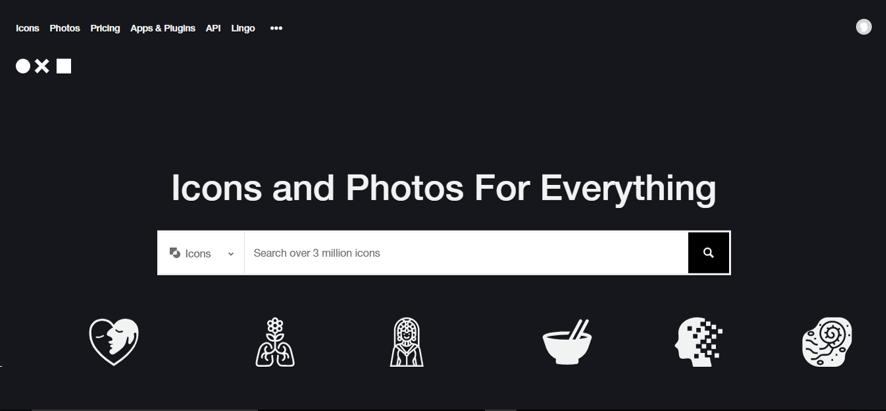
The noun project has one of the largest collection of icons. It provides more than 3 million icons. You get icons for free with creative common license. If you want customization, you need purchasing.
The website asks log in to download icons. It has awesome collection of icons that can’t be found anywhere else.
Free download option is limited to 100 only.
9 –Basil by craftwork
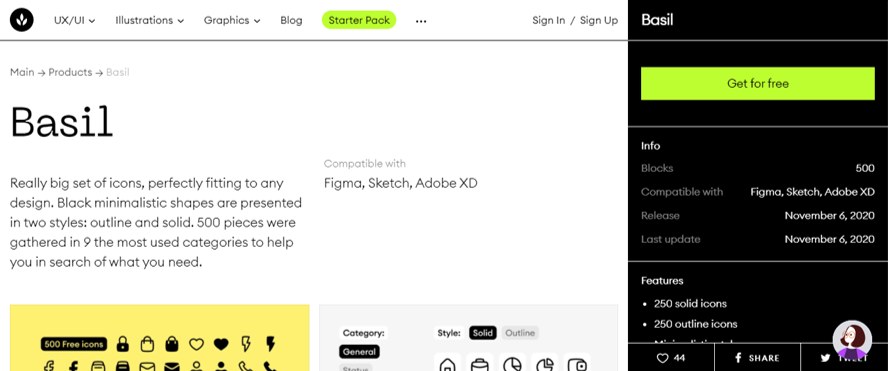
Basil is the set of icons created by craftwork. You get 250 icons in minimal style. There are two styles solid and outline.
Icons pack has svg format as well which allows to change the color and edit according to your choice.
You will be asked the log in details before downloading it.
10 –Hero icons
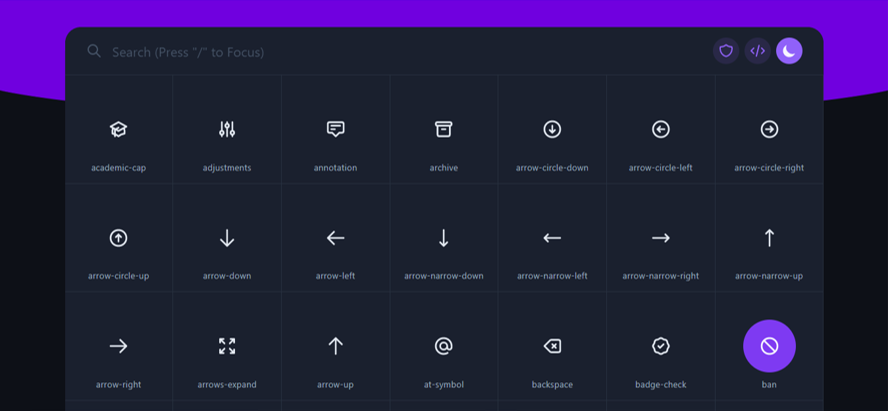
Hero icons are set of different awesome icons that allows use to use as svg. A developer named Zaydek (follow him on twitter) has designed these icons.
The website has beautiful interface.
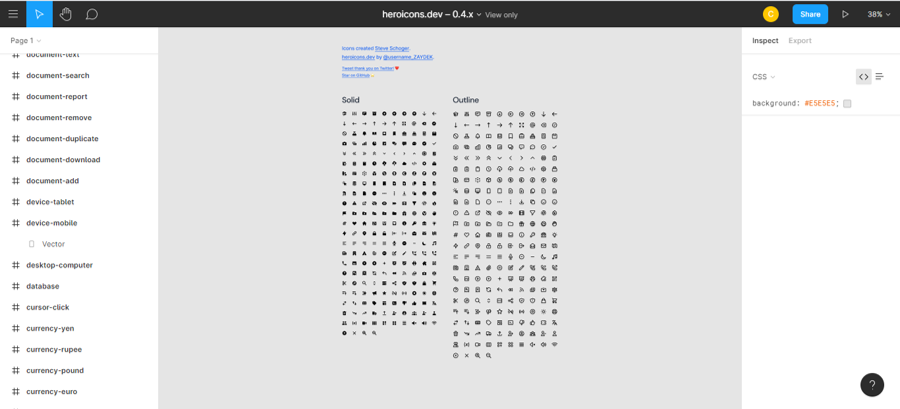
Hero icons are also available on figma. You will find figma link on the website.
Hero icons are very useful for developers especially.
Link: https://heroicons.dev/
11 –Bootstrap icons
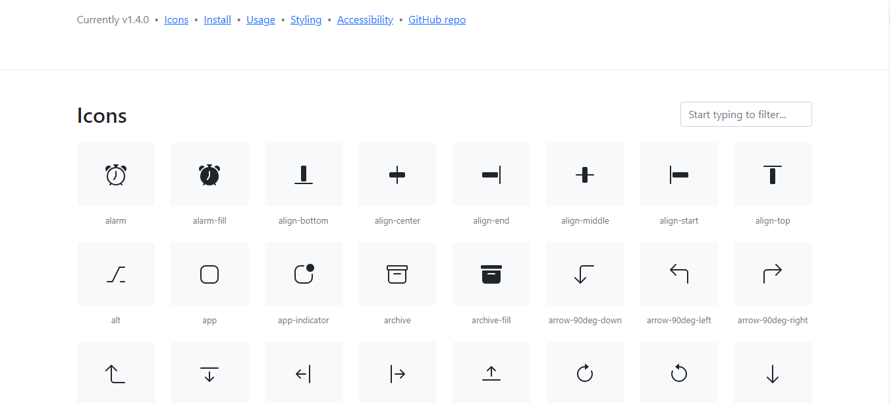
Bootstrap is a CDN developed by twitter. It has more than 1300 icons that you can download or embed in your websites.
Bootstrap icons are mainly focused on website users but it is also a good source for UI designers. You can download icons in the form of svg.
Head over to bootstrap and learn how you can use the icons for your website.
12– Iconfinder
Iconfinder one of the largest platforms for downloading icons.
You get access to icons without having to create an account.
There are many options available in download (Svg, png, Ai, ICO, ICNS).
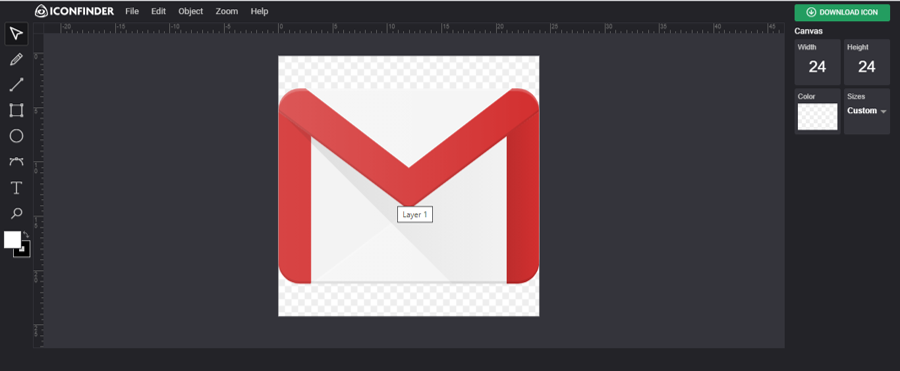
It has an editor with allows you to add text more shapes and change color etc.
All the icons have creative common license.