Best sources and tools for animated svg icons and illustrations
1 – Storyset
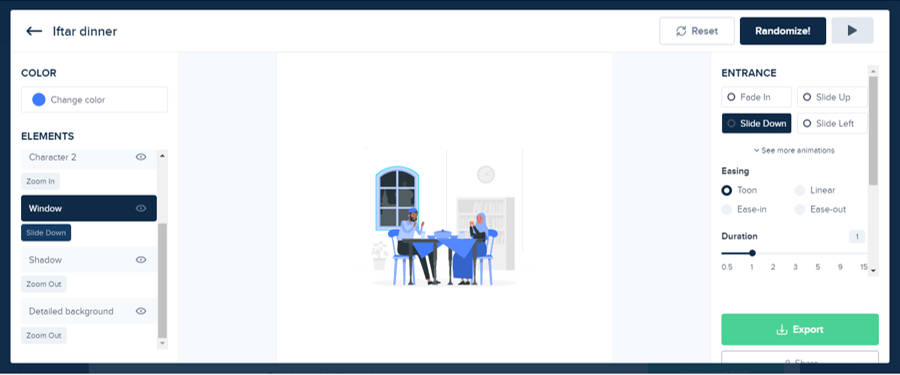
Storyset is a platform where you find amazing free collection of illustrations that can be animated. You get an inbuilt editor to animate your illustration or icons that you have selected from their library.
You can export your animation in GIF or video format. If you are creating animation for your website, you can export in the form of code as well.
Link : https://storyset.com/
2 – Rive
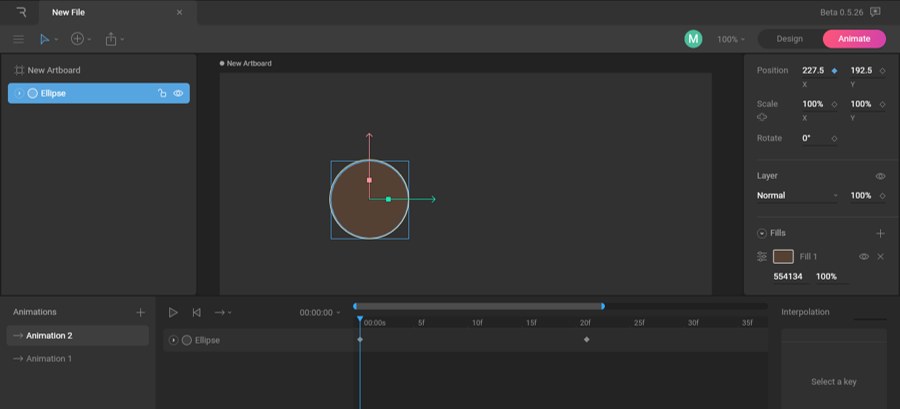
What is Rive?
Rive is a web app that allows you to animate your svg’s or create your own design and animate it.
Rive is very similar to adobe softwares and if you are aware about how animation works in after effect than you don’t have to learn much about it but unlike After effect the exporting options are different here.
You can export your animation in the form of code only.
Why I have mentioned it in the sources of animated svg?
Basically the people who search for premade animated svg’s are the people who want animated objects in order to use them in website or app and Rive fulfils this need.
There are many free sources of illustrations or icons, import them into this web app, animate and export for your project.
This software is very light and can even run on low configured computers unlike other animating software because it only records the motion in frames rather than recording whole frame.
Link : https://rive.app/
3 – lottiefiles
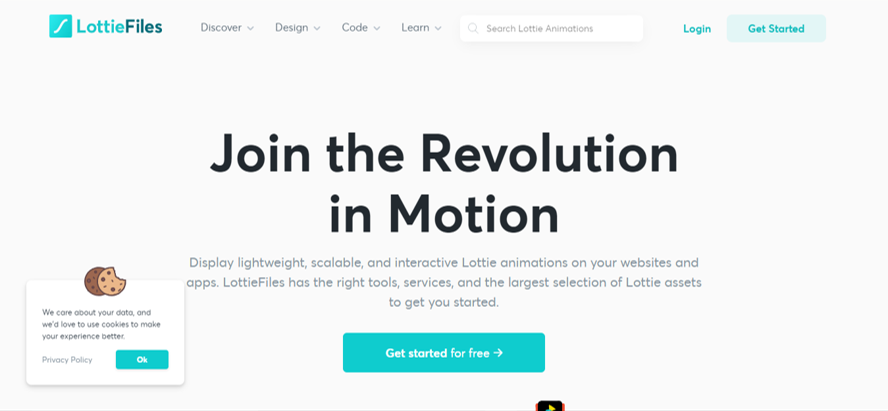
Lottie files has huge collection full of great animated svg’s. Lottie files are much faster than GIF format.
This website gives the option of editing svg’s and exporting them in AE format or JSON for websites and apps.
Many WordPress web developers use lottie files and many WP theme builder have built in support for adding lottie files.
There are many free lottie animations you can download and use in your projects or you can import a svg file, add animations to it and use it in lottie format.
Link : https://lottiefiles.com/
4 – css animators
These two sources are for those who know the concept of key frames and how animation works in css.
1-animista
2-svgartista
Animista
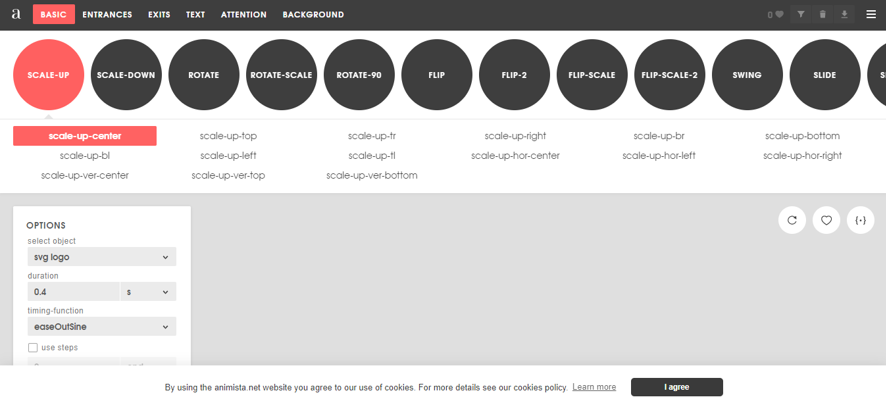
This is incredible website which provides the different animation properties in css with live examples. After you select your favorite animation, you can generate css.
After you have generated the code in order to apply the same animation affect to your svg, give your svg the same class name which is used in the generated code.
Hence all key frames will be applied to your svg.
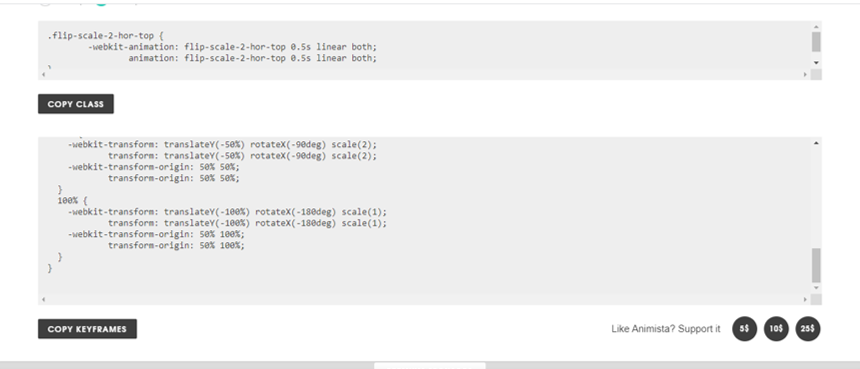
Svgartista
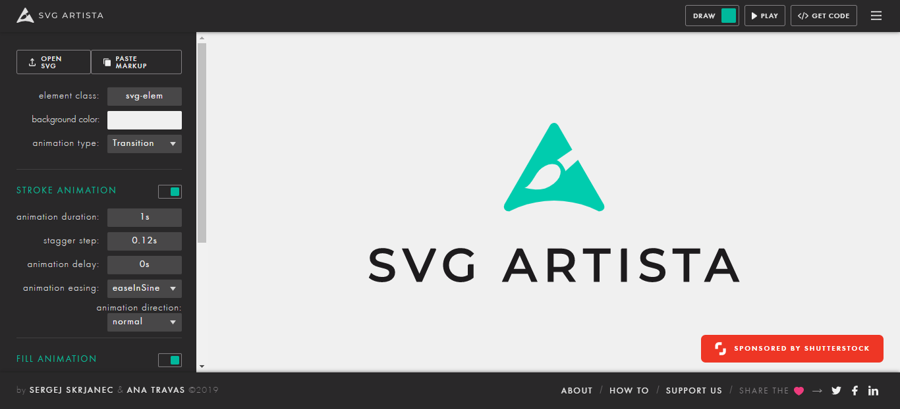
Svg Artista is same as Animista. Upload your svg and play around with animating options, select your suitable background, once you are done generate your code and copy it into your project.
Instead of svg file you can upload xml text which will convert it into svg.
Both of these softwares/ web apps are completely free.
Bonus websites similar to above
5 – shapeshifter
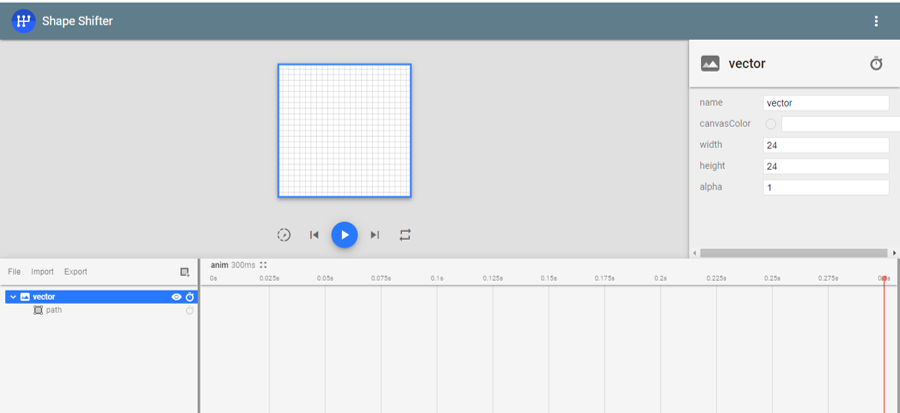
Shapeshifter is an online tool for animating your svg’s and vectors.
This is an ideal tool for website developers and app builders.
Shapeshifter is completely free tool which can be very helpful in animating small icons like hamburger menu icon, chat box, page on load animation etc.
You won’t need After effects software for small animation, edit with shapeshifter and export the code.
The export has different options including html css. You can than manipulate the code in code editing tool like visual studio etc.
Add event listener of hover by JavaScript etc. by default it will be a loop animation.
Link : https://shapeshifter.design/
6 – svgator
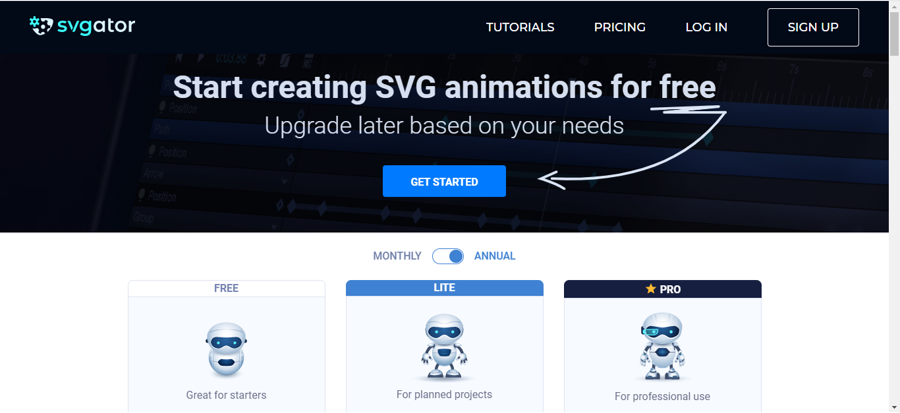
Svgator is also a good online tool for animating your svg. It is very easy to use tool. There will be no need of buying Adobe softwares if you are a web developer and you only use After effects for basic animations.
This tool is very easy to learn and use. You can get your job done in free version if you have to do basic animation work that does not exceed 10sec. You can go for 7$/month plan if you need some advanced options and more duration.
You can export your code and test it into your website. Even someone with no knowledge of coding can use and make animated items for his website.
Link : https://www.svgator.com/
7 – Spirit
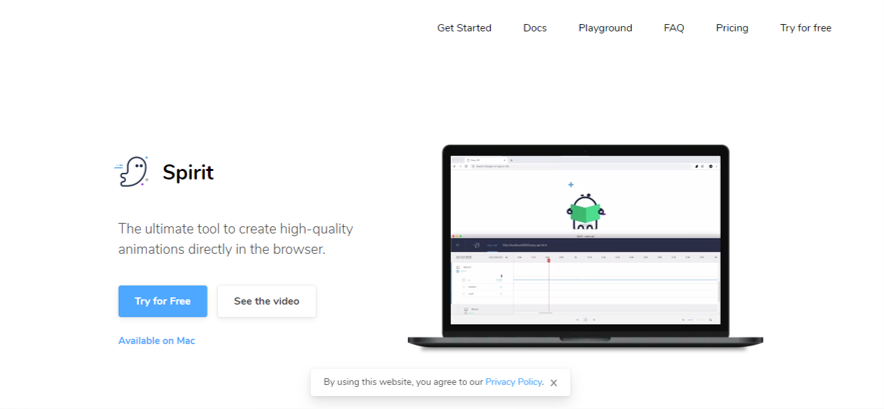
Spirit is a tool which runs on your browser and can create beautiful animations of your vectors and images.
Spirit has same interface as most of animating softwares like after effects. It is only available for mac users, it is not yet available for windows.
It gives you the output in the form of JSON.
You can try spirit for free for 7 days with all features without giving credit card details.
Link : https://spiritapp.io/
Also there are other ways to animate svg like using After effects or animating with css or GSAP etc. but whatever options we have mentioned are much easier and time saving and free of cost.
Free sources to download premade animated svg and illustration.
1-Pixeltrue
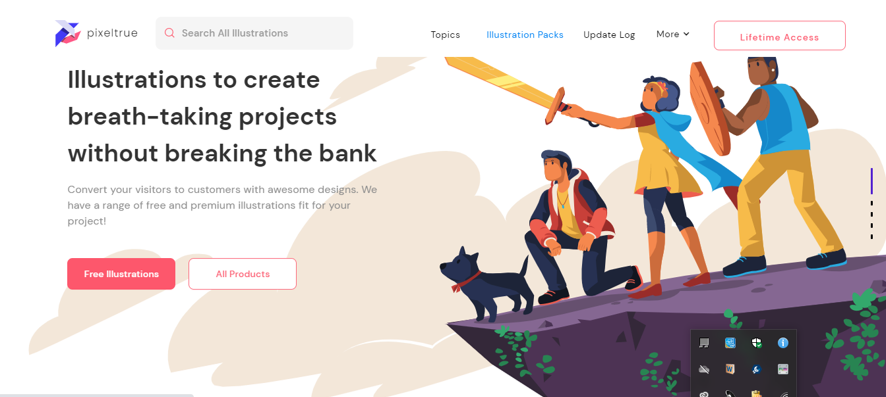
Pixeltrue has groups of illustrations including animated one.
Link : https://www.pixeltrue.com/
2-DrawKit
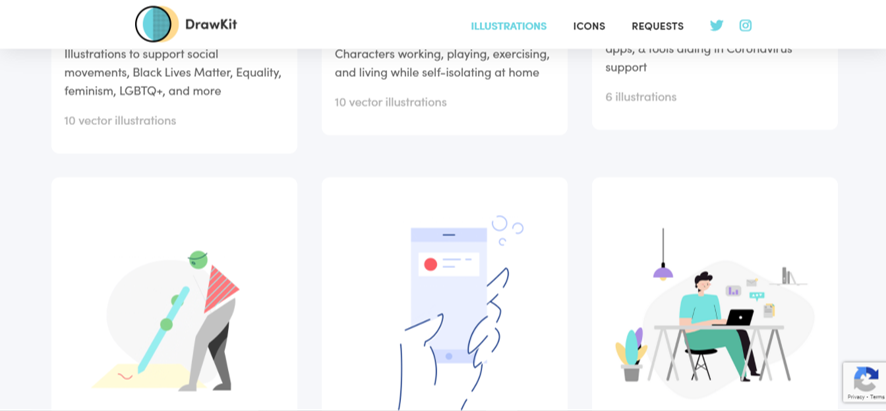
Drawkit has animated illustrations along with static animations.
Link : https://www.drawkit.io/