Step by step How to add font awesome icons to any website
Adding icons to your website makes it more beautiful and gives meaning to it. Font awesome is the source from where you get icons in web font format.
Follow these simple steps to add font awesome icons to any website.
You might be building your website using
- HTML CSS or any programing language
- WordPress
- WordPress with theme builder like divi.
1-How to add font awesome to Html css or any code based website
Step 1
Go to fontawesome.com website.
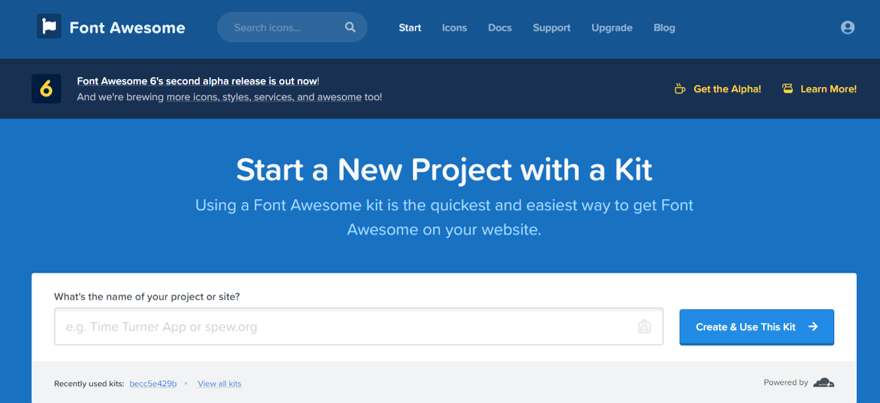
Step 2
Enter your email (disposal mail or domain mail will also work)
Step 3
Check your inbox for confirmation mail
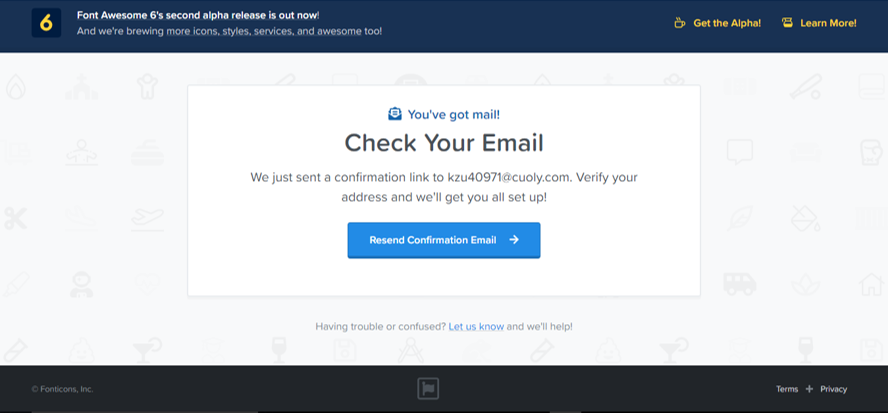
Step 4
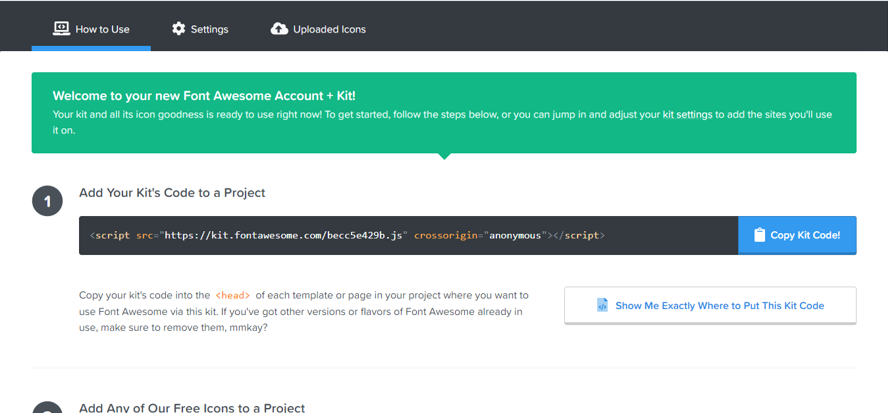
Copy this kit code and paste it in head tag of your website. Now font awesome code is connected to your website successfully.
Step 5
Search for your required icon and copy the HTML code and paste it where you want the icon to appear on your website.
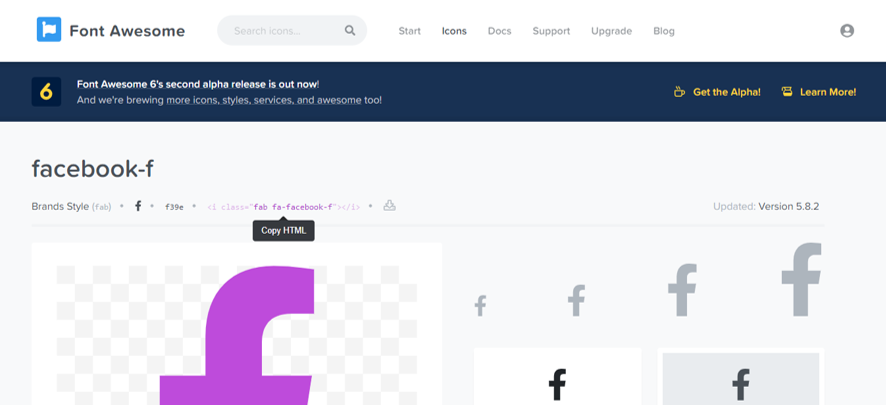
How to change the size of Font awesome icons?
Every font awesome icon will have code like this
<i class=”fab fa-facebook-f”></i>
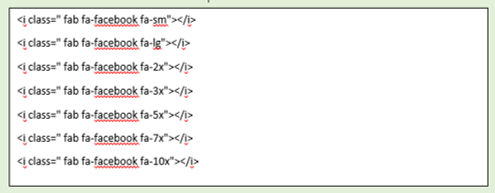
“-f “ This is default size you can change this to “fa-2x” (for example)
After you change “-f” to “fa-2x” the size will increase twice
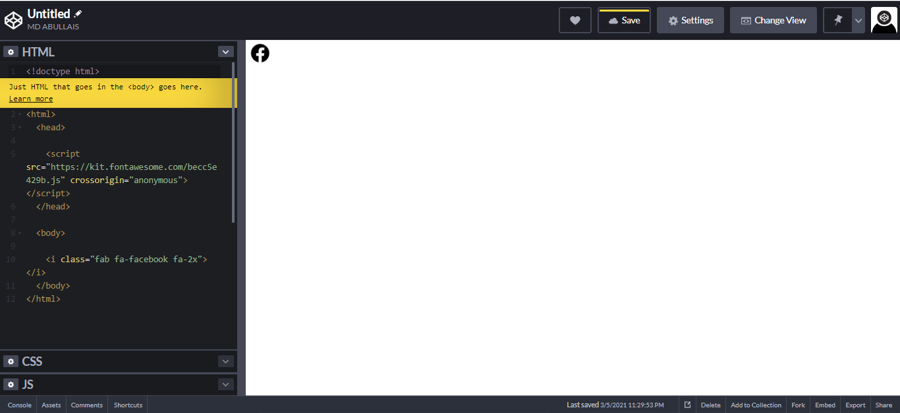
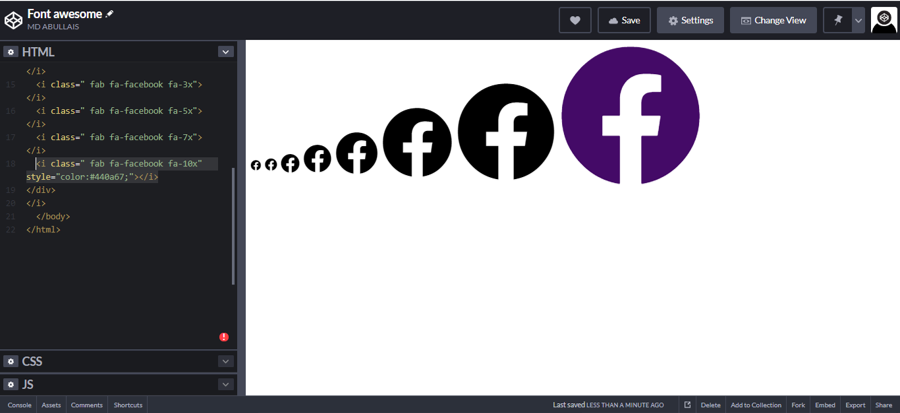
Chart for font awesome icons sizes
These are premade sizes for font awesome icons, you can set relative font size for example if you set font size 24px the icons will change according to this size:
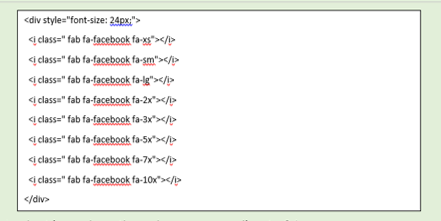
Look at icons how they change according to 24px
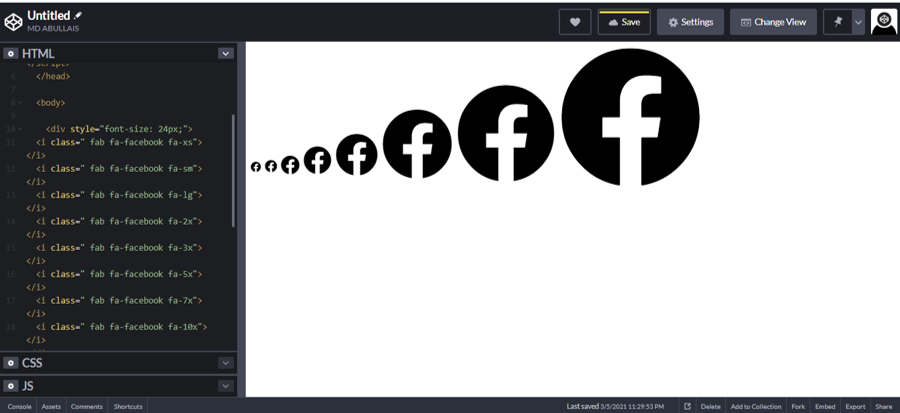
How to change the size of Font awesome icons
Now to change the color of your icon simply add inline style (style=”color: #440a67;”)
Here is the example:
<i class=” fab fa-facebook fa-10x” style=”color:#440a67;”></i>
2-How to add font awesome icons to WordPress site
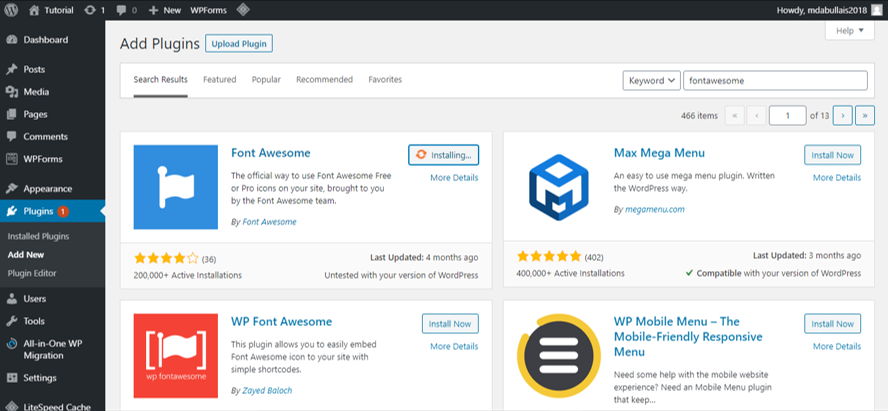
After you install Font awesome it will have all required settings by default and if you want to change something go to setting > Font Awesome
Here I have taken 3 columns in WordPress, press + icon and add Custom HTML block and paste font awesome code
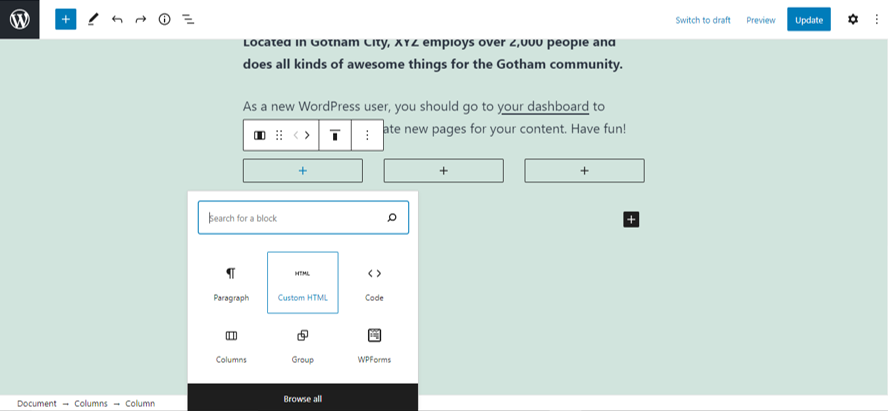
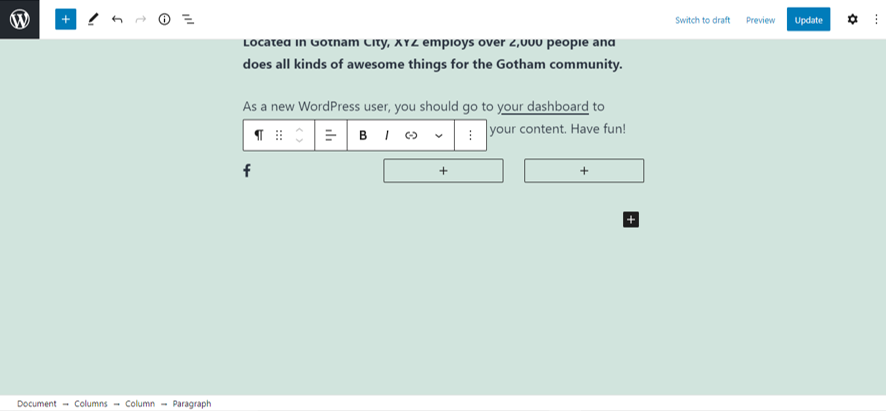
After you paste the code, the icon will appear (preview the page if you cannot see it)
You can add font awesome by CDN without using the plug in but you need to take care what version is being used manually. Whereas plug in automatically selects the latest version.
The use of plug in is recommended for adding font awesome to your website.
3-How to add font awesome icons to WordPress site built with theme builders Like Divi
Log in to font awesome website and get the code.
To log in follow the steps that are shown above and then follow these steps .
Step 1
Paste the font awesome code in head section of website. If you are using Divi in WordPress dashboard go to Divi > Theme Options > Integration and paste your code and click save changes.
Step 2
Come to your page where you want to add icons. Select code block and paste your icons HTML code, for example I am using Facebook icon here.
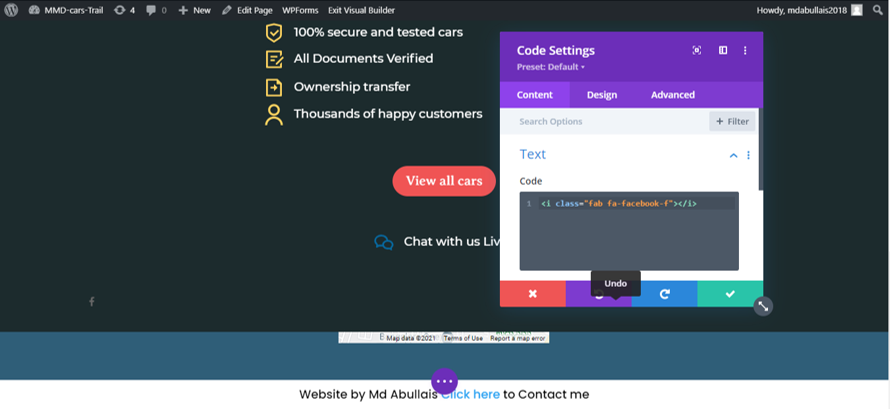
You see the small Facebook icon, you can follow the method mentioned above to change its size and color.