Best screen recorder for you tubers and online course makers
For those who make teaching stuff or e-learning tutorials on the internet this is the best screen recorder with several exclusive features.
Active presenter
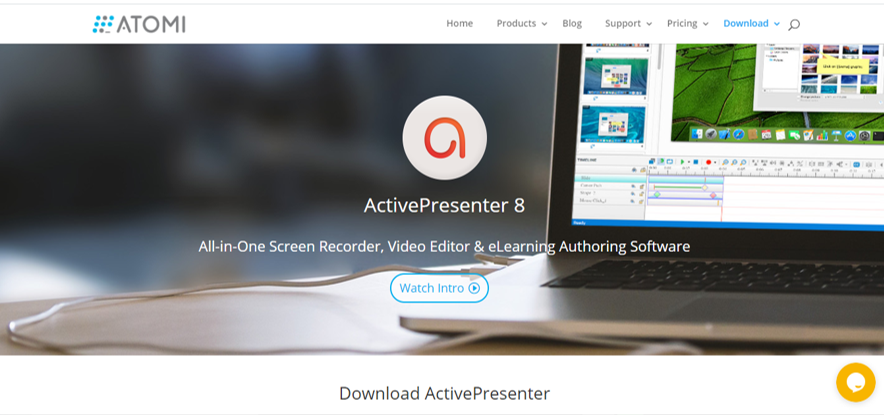
Active presenter is not only a screen recorder, it has many other features that help you in making tutorial videos.
Now first we will talk about its recording option. It allows you to record full width of screen or desired part of screen it also comes with an editor which allows you to edit the video after recording it.
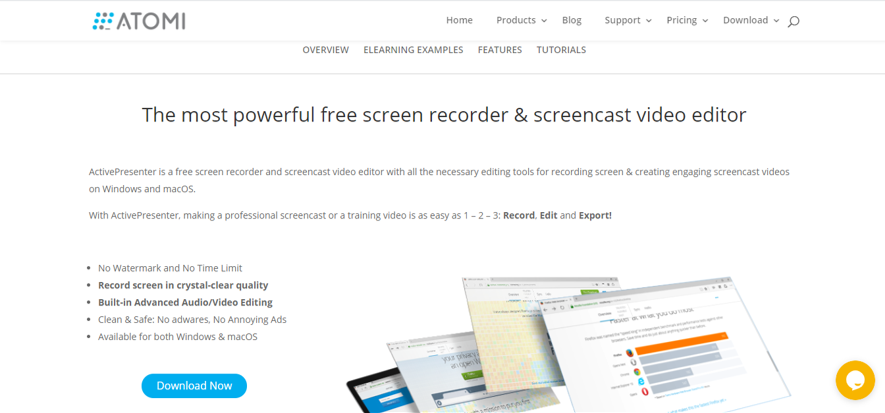
How to use Active presenter
Step 1:
Download the active presenter from their website.
Step 2:
After opening the software select whether you want to record full screen or specific part of it.
Step 3:
After completing the recording you can now edit the recorded video. For example you can zoom to specific part of screen or remove unwanted parts of the video just like you do in a typical video editor software. You can also add chat boxes text or lines etc.
After everything is done you can now save it your computer and everything we mentioned will be completely free.
Active presenter is a great tool for recording the screen specially for tutorials .
Link: https://atomisystems.com/activepresenter/free-edition/